See it in Action

Gemini AI
Analyze screen content with Google's advanced Gemini AI.
Everything you need in one powerful tool.
Download for free
Analyze screen content with Google's advanced Gemini AI.
Capture specific areas or full screens with built-in instant drawing and annotation tools.
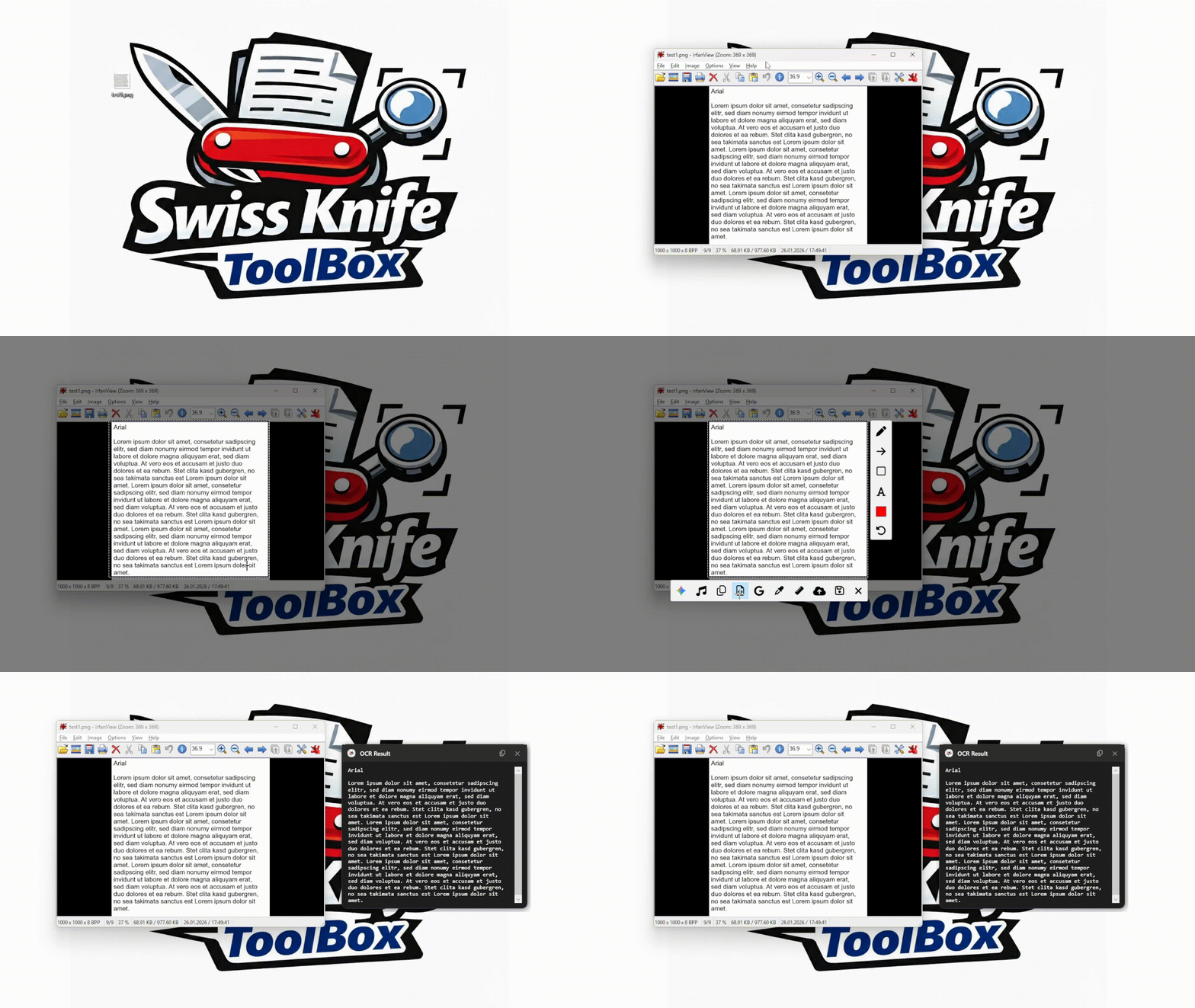
Extract text from images instantly with high-precision OCR
One-click upload to cloud storage for easy sharing
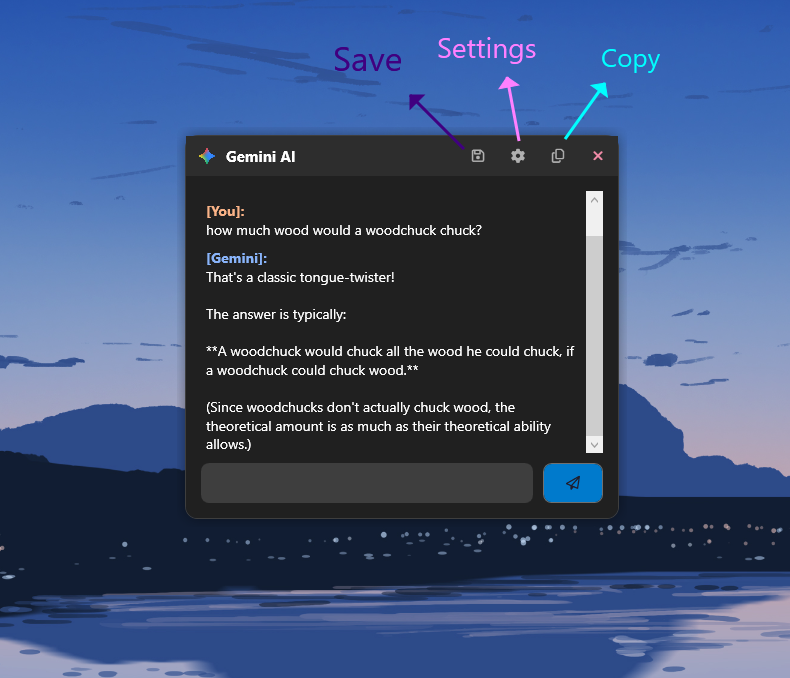
Analyze screen content, code, or images directly with Google's advanced Gemini AI.
Search any image or region on screen directly with Google Lens
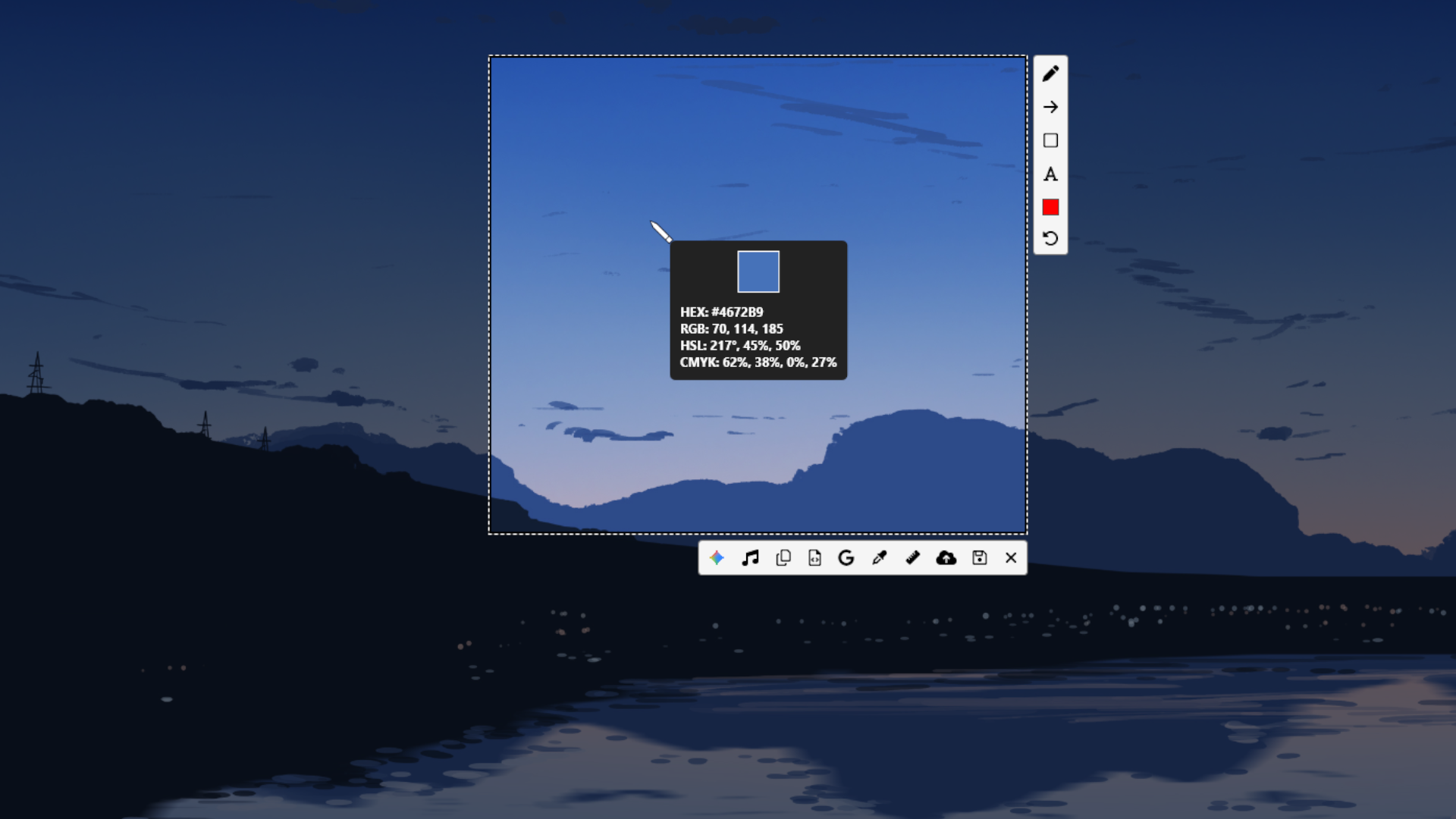
Grab HEX color codes from any pixel on your desktop.
Measure anything on your screen with pixel-perfect precision.
Identify any song playing on your PC instantly.
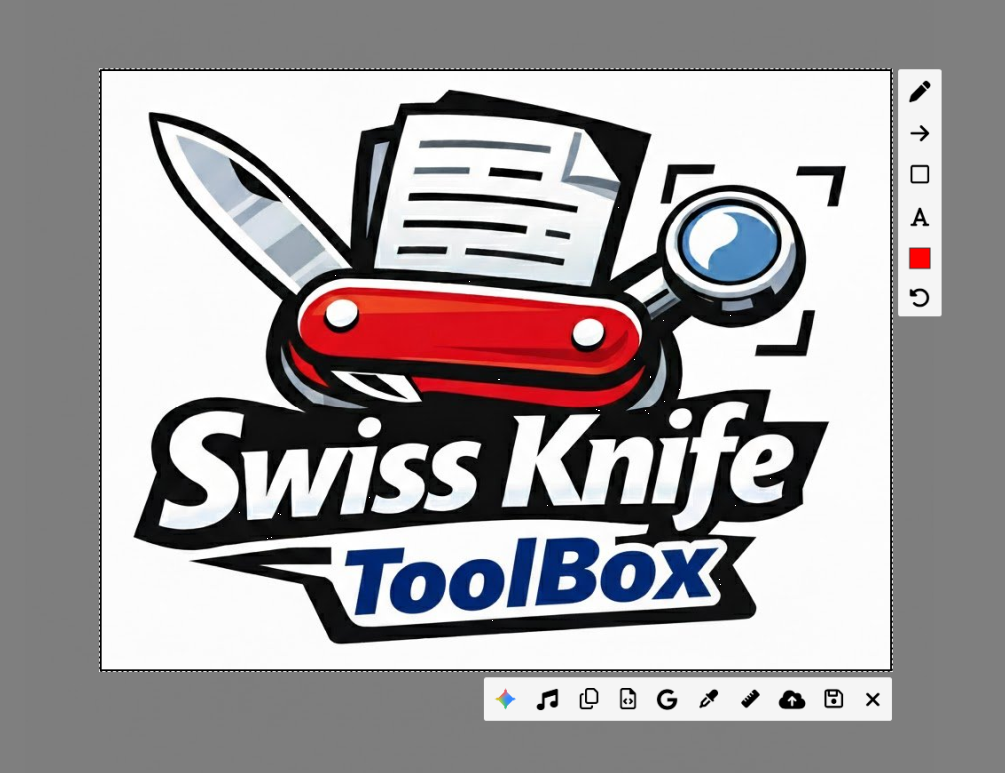
Simply press the Print Screen key (or your custom shortcut) to activate the Swiss Knife Toolbox overlay. Select any region of your screen, a specific window, or the entire desktop. The tool instantly freezes the screen, allowing you to make precise selections without missing a moment.
Before saving, use the built-in annotation tools to highlight important details. Draw arrows, boxes, or add text labels directly onto your screenshot. Need to hide sensitive info? Use the blur tool to redact private data instantly.
Need to copy text from an image? smooth OCR technology allows you to select any text on your screen and copy it to your clipboard. Web designers can also use the integrated Color Picker to grab HEX, RGB, or HSL codes from any pixel.
Once you're done, you can save the image locally, copy it to your clipboard, or upload it directly to the cloud. Our secure cloud storage generates a unique shareable link, making it effortless to show your work to colleagues or friends.
Yes! The core features of Swiss Knife Toolbox are completely free to use. There are no hidden fees for the basic screenshot, OCR, and color picker utilities. We support the development through optional donations and unintrusive ads on our website.
Absolutely. Swiss Knife Toolbox is fully optimized for Windows 10 and Windows 11. It integrates seamlessly with the operating system to provide a native-like experience.
Privacy is our top priority. Screenshots are normally processed locally on your machine. Only when you explicitly choose to upload an image to the cloud, it is stored in a secure, private storage bucket linked to your account. We do not sell your personal data or images to third parties. Importantly, images deleted from your gallery are permanently removed from our servers and are no longer stored by us.
The Gemini AI integration allows you to analyze screen content. Simply select a region and click the AI button to ask questions about the image, identify objects, or even explain code snippets visible on your screen.
Requires Windows 10/11 • .NET 8.0